Inline surveys
Iterate inline surveys sit inside your page content, so you can ask a question in the middle of what someone is already doing, with no popup and no overlay.
The question lives in the flow of the page, so answering it does not feel like leaving what you were doing. Ask while someone is still in the middle of the thing you want to ask about.
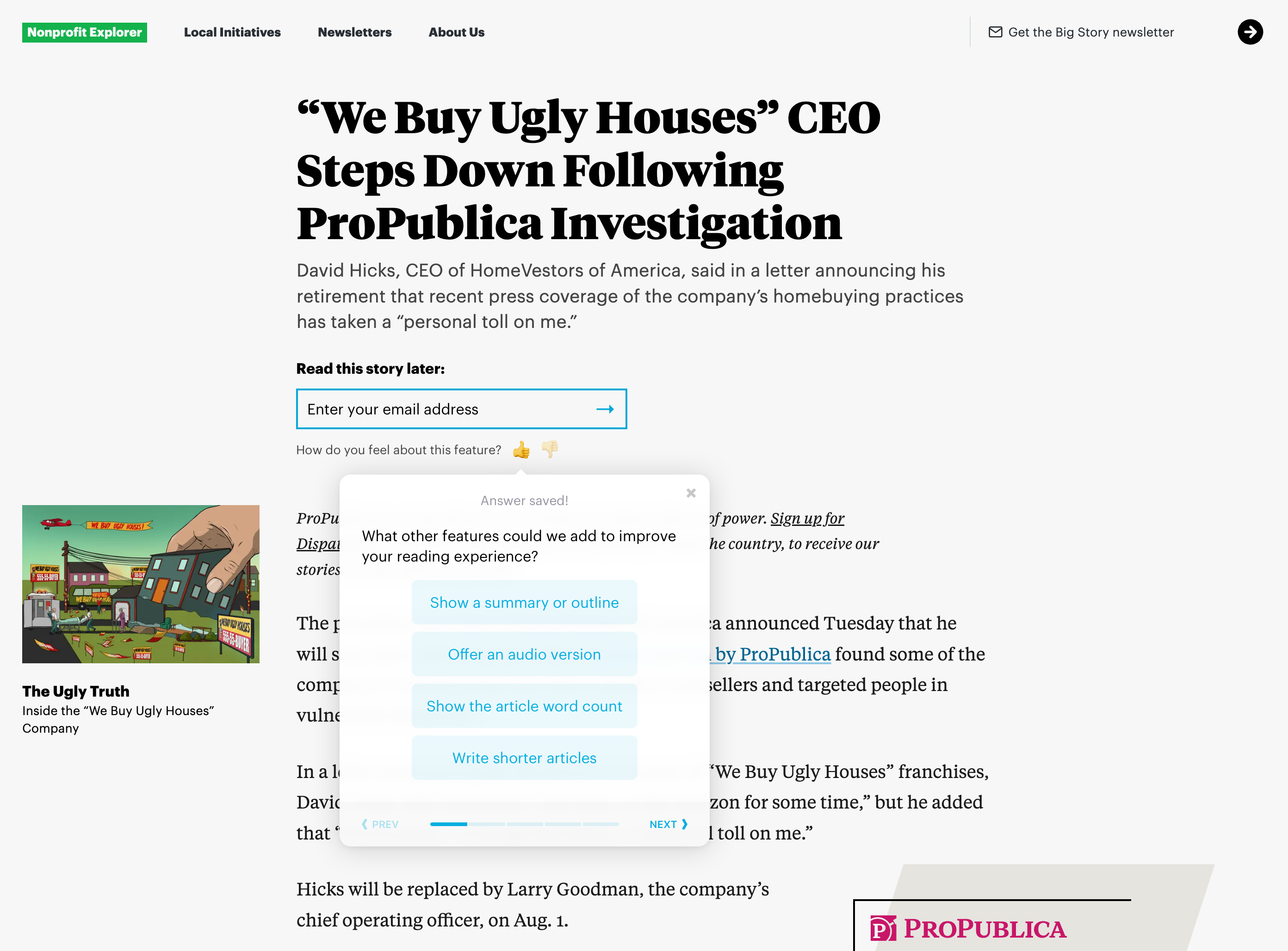
Survey visitors on-site and in context
Don‘t send visitors away from your site, ask questions in context directly on the page.
Visually on-brand and engaging
You have full control over placement and appearance, so the question reads as a natural part of the user journey rather than something bolted on.
Powerful targeting options
Choose which users or segments should see your survey questions, and when.
Iterate is trusted by 10,000+ teams including
Start gathering data in minutes
From thought to valid insight in a matter of minutes. Ask questions, match your brand, target specific people or pages, then flip the switch and sit back.
Craft engaging surveys
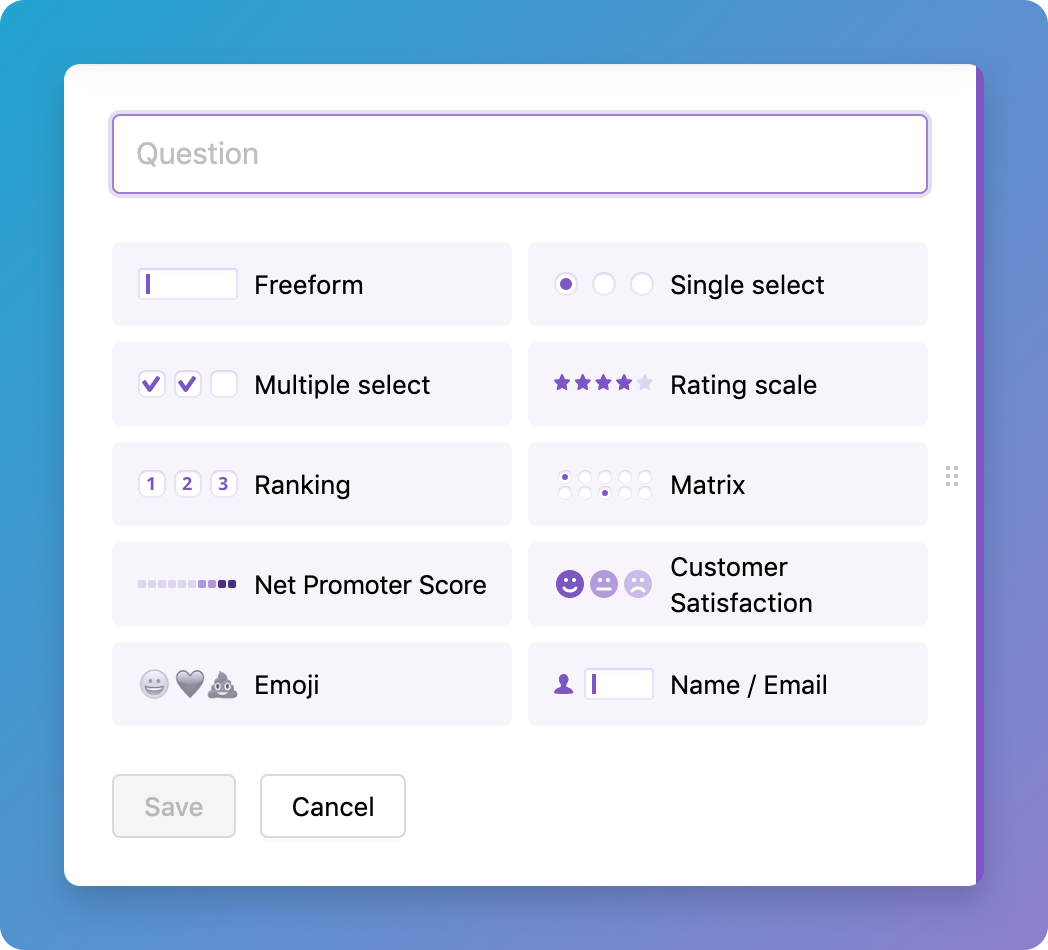
Craft your surveys using our extensive list of question types, advanced options, and powerful branching logic. Including NPS & CSAT, email & lead capture, emojis & star rating, as well as multi-select, ranking and matrix question types.
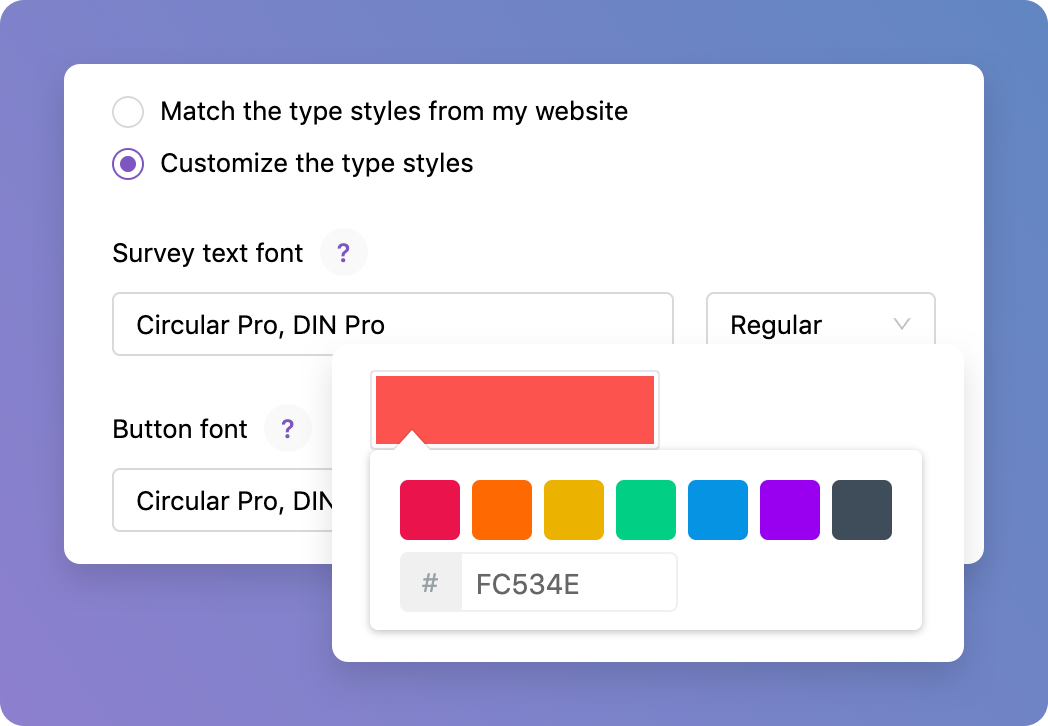
Match your brand
Surveys are customizable to match the look and feel of your brand, down to your colors, font choices, and your tone of voice. Apply Custom CSS for pixel-perfect control. With their clean, user-friendly design, they’ll look right at home on your website and feel like part of the page to your customers.
Prompt in the right place, at the right time
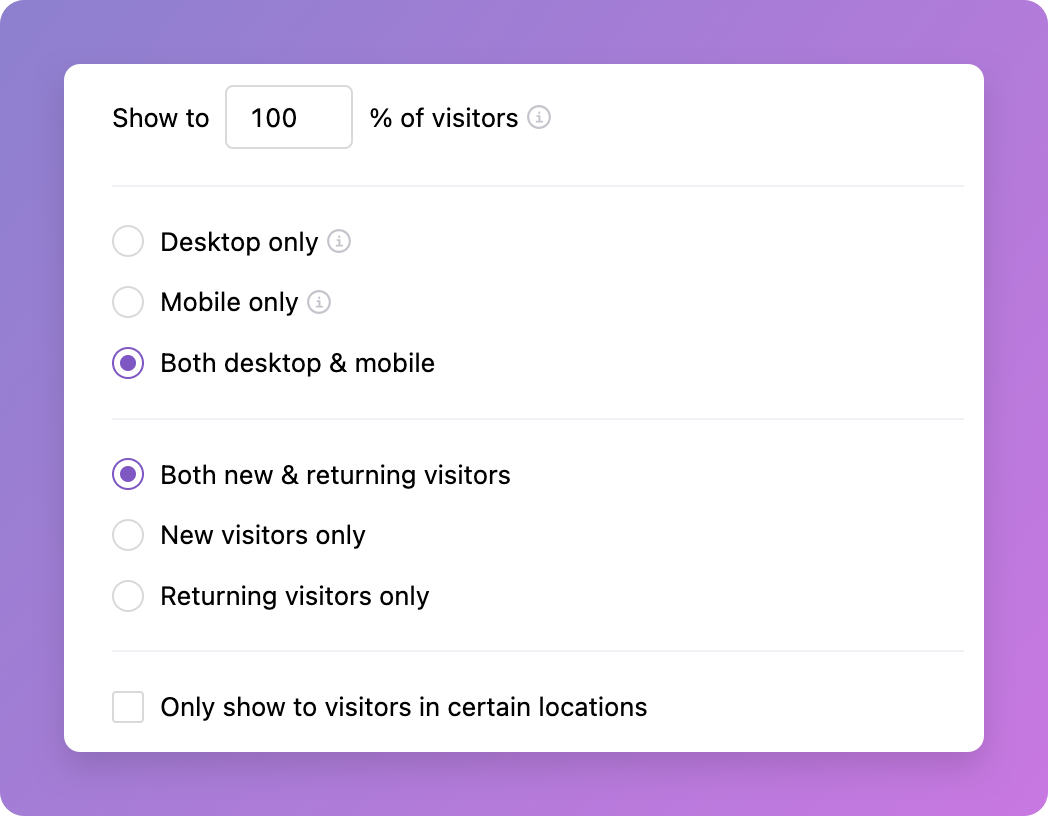
Our surveys are super-easy to build (no webinars required), and you can run them right away without complicated engineering work from your developers. Use our powerful targeting options to craft highly specific surveys across multiple domains and pages.
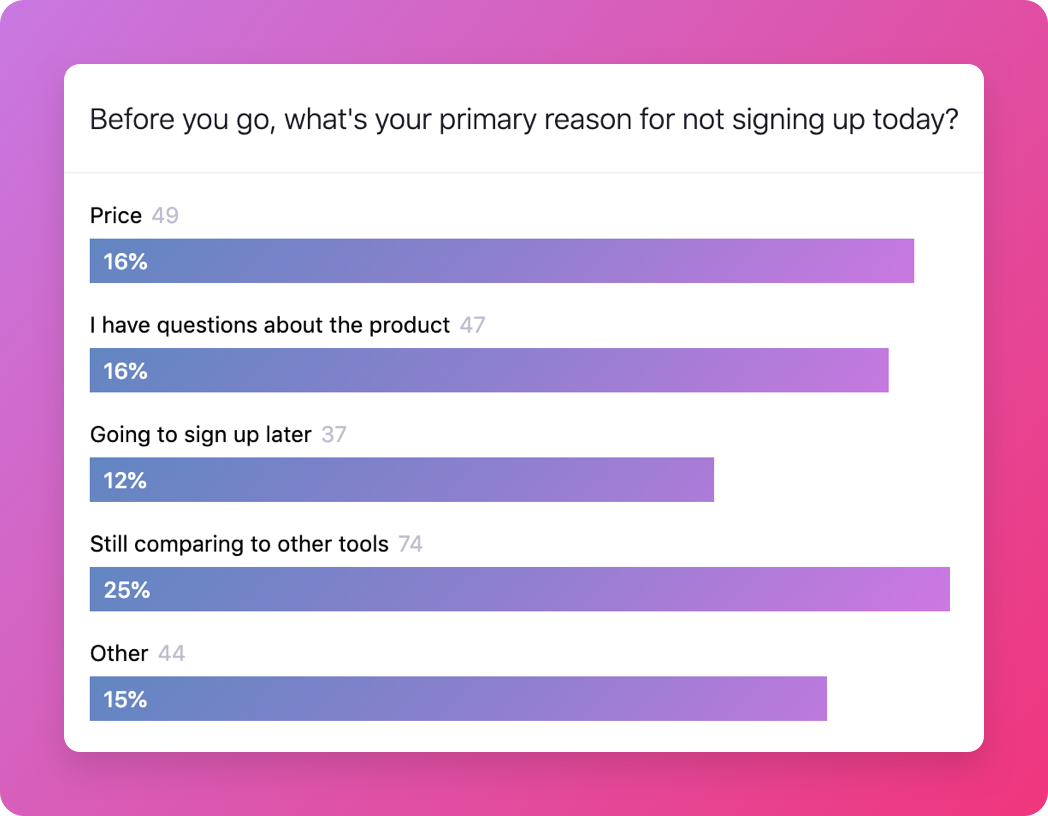
Gather data & insights
Responses are saved as they are answered and show up in real-time in the dashboard, or you can be notified via Email or Slack. Set up a webhook or integration to pipe that data into your other preferred tools.
Looks like your team designed it
Our surveys are simple to install and designed to look and feel like your team built them, not like other third-party add-ons.
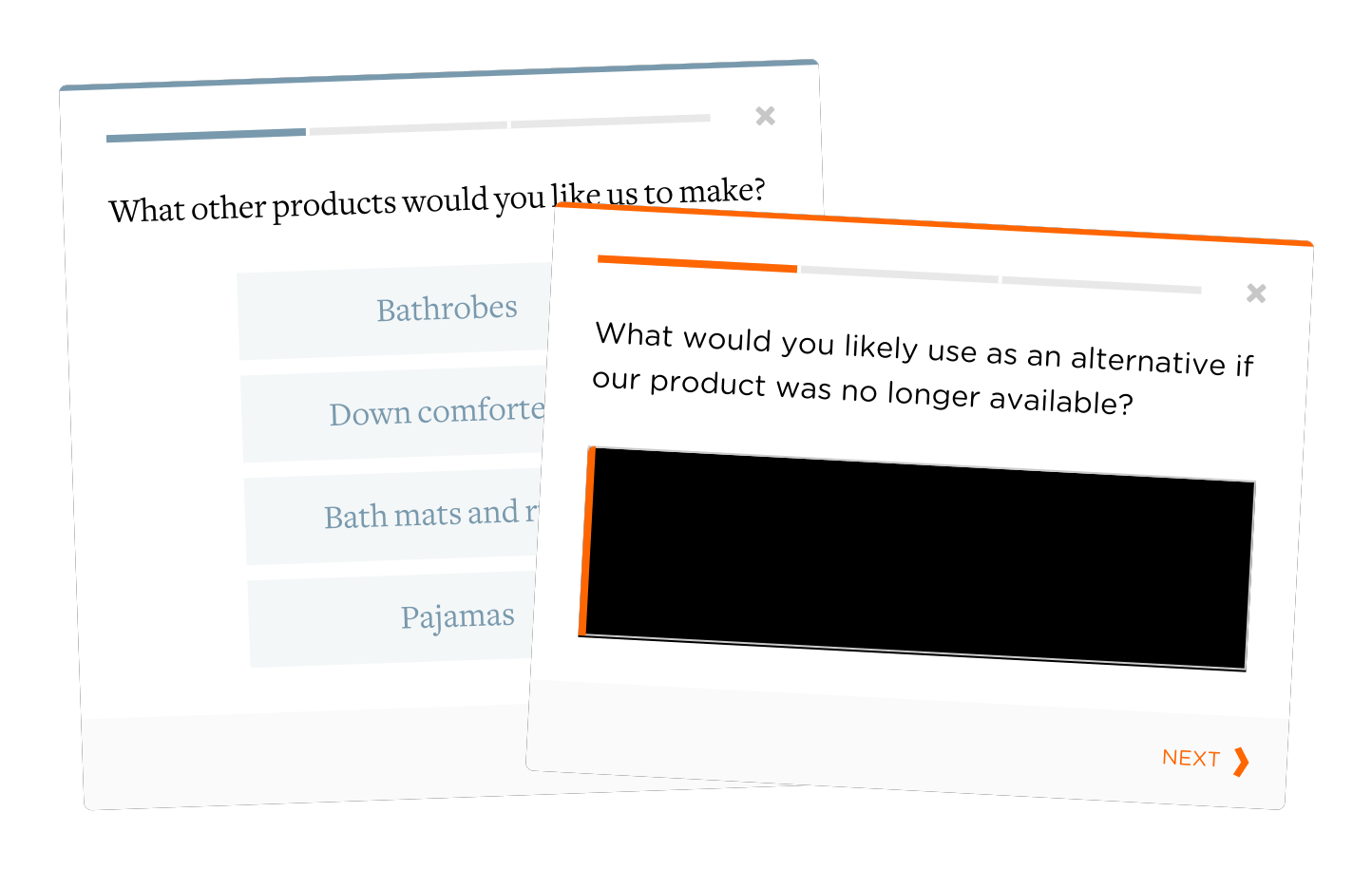
Integrate with all of your favorite tools
Stick with the tools that you already know and love. You can integrate the responses you receive via Iterate with hundreds of other services.












Advanced targeting
Target by URL, pattern matching, or manually via our SDK. Supports multi-domain targeting, geo-targeting, and more.

Custom visitor properties
Show surveys to very specific visitors based on the available data you have passed on to Iterate.

Multi-language surveys
Deliver surveys in multiple languages to help learn from your global audience.

Percentage holdback
Limit the number of people who can see your survey based on a survey specific, or site-wide holdback.

Device targeting
Only show surveys to your desktop visitors, or only to people on mobile devices, or of course, both.

Display behaviors
Prompt visitors at the right time: immediately, once scrolled half-way, or after a set amount of time.
Geo-targeting
Limit your participants by geography, scope to specific US states, or limit to specific countries.

Notifications
Get updates immediately as feedback comes in, via email or directly via our Slack integration.

Multiple users
Invite your engineers, product, or support team to your Iterate dashboard for maximum visibility.

API access
Pipe the feedback as it is received into your preferred tools of choice for data storage or analysis.
Teams that stopped guessing.
Product, research, and lifecycle teams use Iterate to get answers straight from the people who use what they build.

“Iterate makes it super easy to ask for feedback in a way that is consistent with our brand’s look and feel. And the customizable colors and fonts are just the beginning. This type of attention to detail is apparent throughout the entire product, making it a pleasure to use both for us and our users.”

“Iterate’s Braze integration was a game changer for us. It allowed us to seamlessly deploy surveys in-app, gather contextual insights, and significantly reduce the workload on our development team. The ability to embed feedback points throughout the app during beta testing was invaluable.”
Create a free trial account today
Start your free 14-day trial now, no credit card required.
Two week free trial
Priced by audience size, responses unlimited
Every channel included: link, email, web, and native in-app.
Any audience size, from a few hundred people to millions of surveys a month.
Every core feature included, in any language, with every integration. Add Research Assistant when you want AI analysis on top.
Got any questions?
We’re happy to help walk through any open questions you may have, just let us know.
Looking for help?
Visit the help center to learn best practices, getting started guides, FAQs, & more.